
MegaPari Deposit
The account cashier is the place to check which deposit methods you can use and what each payment will cost before you authorize it. The method groups and EUR amounts below help you compare options, but the choices and limits shown in your account may differ. Check the selected route’s terms before sending funds.
Deposit Methods in the Cashier
MegaPari deposit methods fall into six groups: bank cards, e-wallets, bank transfers, prepaid vouchers, local payment systems and cryptocurrencies. Availability depends on your country and account, so the cashier may show only some of these options.
| Method Group | Deposit Minimum (EUR) | Deposit Maximum (EUR) | Operator Fee Statement |
|---|---|---|---|
| Bank Cards | 10 | 20,000 | No operator fee for deposits |
| E-Wallets | 1 | 10,000 | No operator fee for deposits |
| Bank Transfers | 10 | 20,000 | No operator fee for deposits |
| Prepaid Vouchers | 10 | 1,000 | No operator fee for deposits |
| Local Systems | 10 | 10,000 | No operator fee for deposits |
| Crypto | 1 | 50,000 | No operator fee for deposits |
The EUR figures are method-specific deposit minimums and maximums, not amounts available to every account. Limits can depend on the method, account and currency. “No operator fee” does not mean every deposit has zero total cost: a payment provider, blockchain network or currency conversion may involve a separate charge.
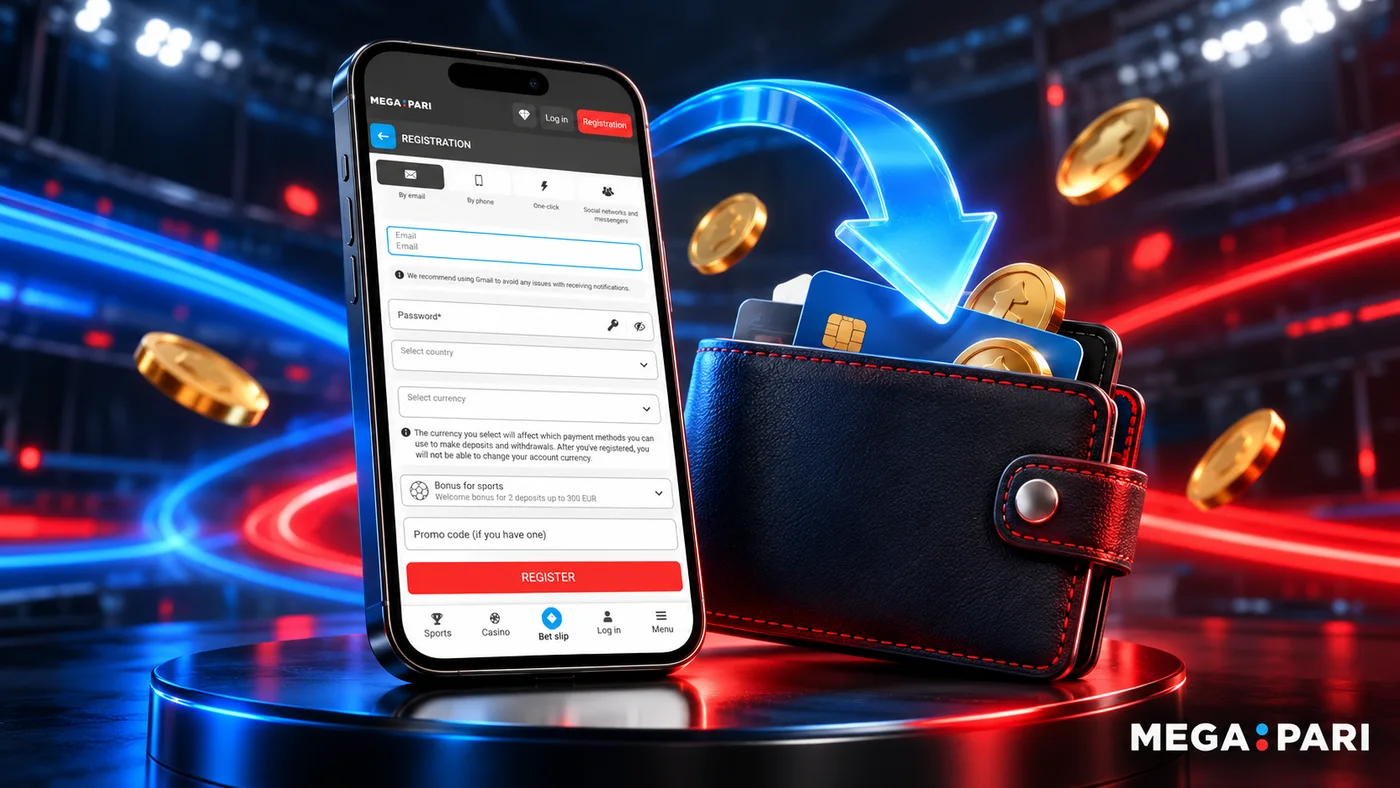
Checking Amount, Currency and Limits
Select the method you intend to use before deciding how much to deposit. Check its live minimum and maximum in your cashier rather than treating the EUR examples above as the limits for your account.
Review the currency as carefully as the amount. EUR and USD are among the currencies described for MegaPari, but neither should be assumed to be your account’s default. If your payment account and selected deposit route use different currencies, inspect any conversion rate or charge displayed before approving the payment.
The operator fee statement is only one part of the cost review. Check both the cashier and the provider’s confirmation screen for a provider charge, blockchain or network cost, or currency-conversion cost. Compare the amount you intend to deposit with the amount you are being asked to approve. If the currency, amount or total cost is unexpected, pause before authorizing the transaction.
Completing a Deposit
You can reach your account through a mobile browser. For information about an installed mobile route, see the MegaPari app. Whichever route you use, check the deposit terms in your account cashier.
- Sign in and open the account cashier’s deposit area.
- Choose a deposit method currently available to your account.
- Enter the amount and review the displayed currency, limits and costs.
- Follow the selected provider’s payment instructions, checking the details before final approval.
- Keep the payment result or transaction reference, then check your account balance and payment history.
Completing the provider’s instructions and seeing a balance credit are separate checks. If the payment remains pending, check its recorded status rather than immediately starting another deposit.
Payment Confirmation and Balance Status
Deposits are described as instant, subject to provider confirmation. This is not a guaranteed completion time; payment or account checks can extend it. Use the status you can see to decide what to check next:
- Provider confirmation received: Keep the receipt or reference, then check your MegaPari balance and account history. A provider confirmation alone does not establish that the balance has been credited.
- Payment pending: Check the provider’s status and your account history before taking another action. Confirmation or other checks may still be in progress.
- Balance credited: Compare the credited amount and currency with the payment details you approved, taking any separately displayed costs into account. Keep the transaction record in case you need to query a difference.
If the provider and account show different states, record what each shows and when you checked. Those details will help explain the issue if you need operator support.
Declined or Missing Deposits
A declined attempt, a pending payment and a provider debit without a balance credit call for different checks:
- Payment declined: Read the provider’s message and check the amount, currency and method details before deciding whether to try again. Keep any reason or reference the provider supplies.
- Payment still pending: Check both the provider and account status. Do not blindly repeat the payment; the first attempt may still complete after confirmation or additional checks.
- Provider debited funds but no balance credit appears: Check your account history. Keep the transaction reference, amount, currency, payment time and provider status to share with operator support.
- Credited amount differs from what you expected: Compare the approved and credited amounts and currencies, along with any costs displayed for the route. Contact operator support if the difference remains unexplained.
For an unresolved deposit, use an operator support route rather than a contact for this independent affiliate website:
- Contact form: Use the form on MegaPari’s operator Contacts page.
- Email: support@megapari.com.
- Telephone: +441863440619 or +35780092576.
- Telegram support chat: Megapari_Supportk_bot.
- Online chat: Use the built-in chat if it is available in the current operator interface.
Operator support is described as available 24/7, without a guaranteed response time or a promise that every channel is available at every moment. Explain whether the provider shows a decline, a pending payment or a completed debit, and include the transaction details you retained.
FAQ
- Where are current deposit methods shown?
-
Sign in and open the cashier’s deposit area. It shows the choices available to your account; the six method groups above do not mean every option is available in every country or account.
- Can I use someone else’s payment account?
-
Use a payment account you control, and check any ownership requirements displayed for the selected cashier method before paying. Do not assume another person’s account will be accepted.
- What if the provider debits funds but the balance does not change?
-
Check the provider’s status and your MegaPari account history. Keep the transaction reference, amount, currency and time, then give those details to operator support if the credit is still missing. A debit alone does not establish when the issue will be resolved.
- Should I repeat a pending payment?
-
Check both the provider and cashier status first. Confirmation and further checks can affect deposit timing, so another attempt could create a second payment while the first remains in progress.
- Where are fees and conversion details displayed?
-
Review the selected route in the cashier and the provider’s confirmation screen before authorizing payment. The no-operator-fee statement for deposits is separate from possible provider, blockchain-network and currency-conversion costs.